
Expand your reach by obtaining phone numbers with area codes relevant to your target markets. Establishing a local presence instills trust and familiarity with your clientele, enhancing customer engagement and loyalty.
Our local presence feature can be turned on by going to the Settings > Dialer Settings section.
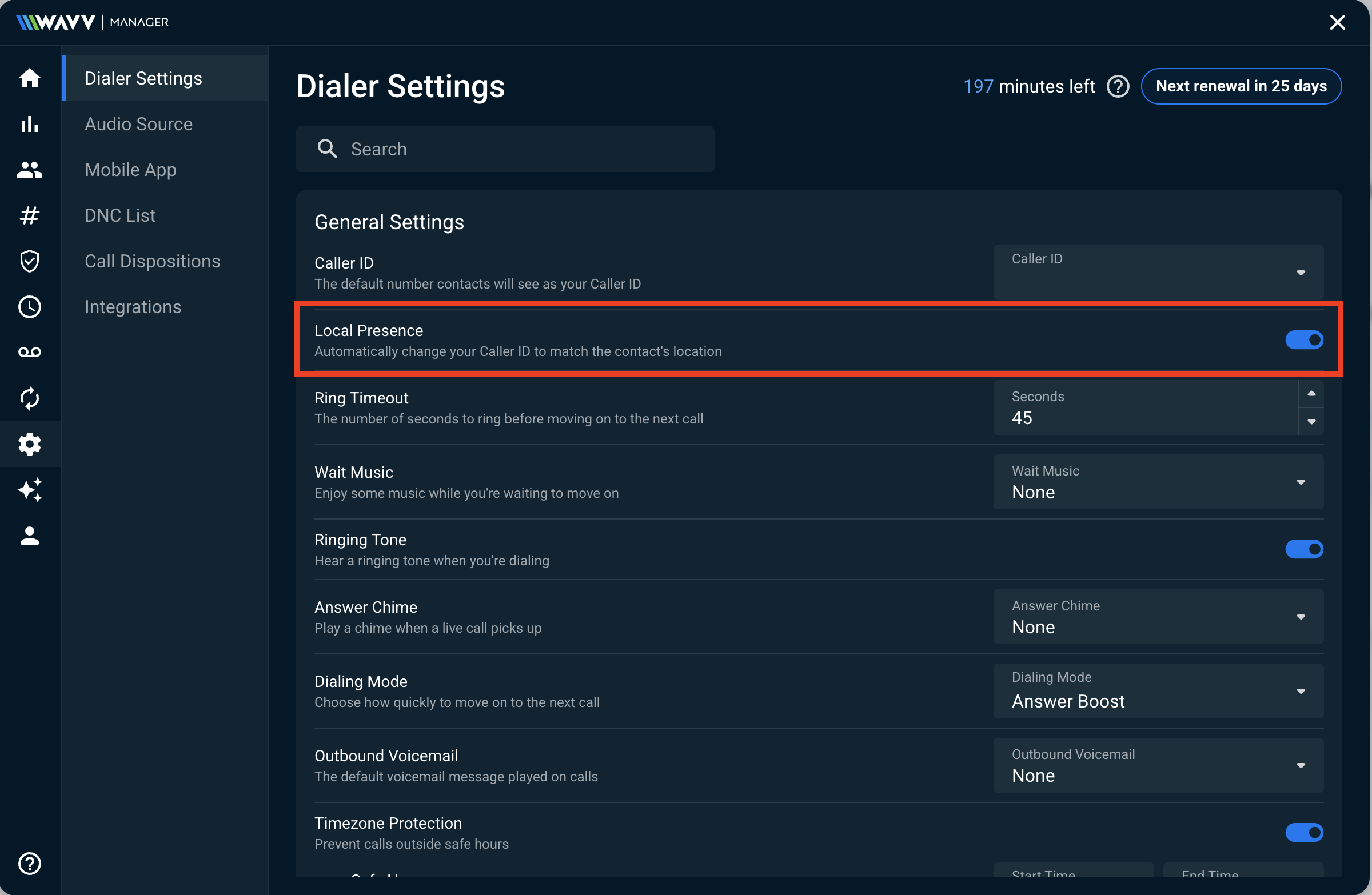
How Does it Work?
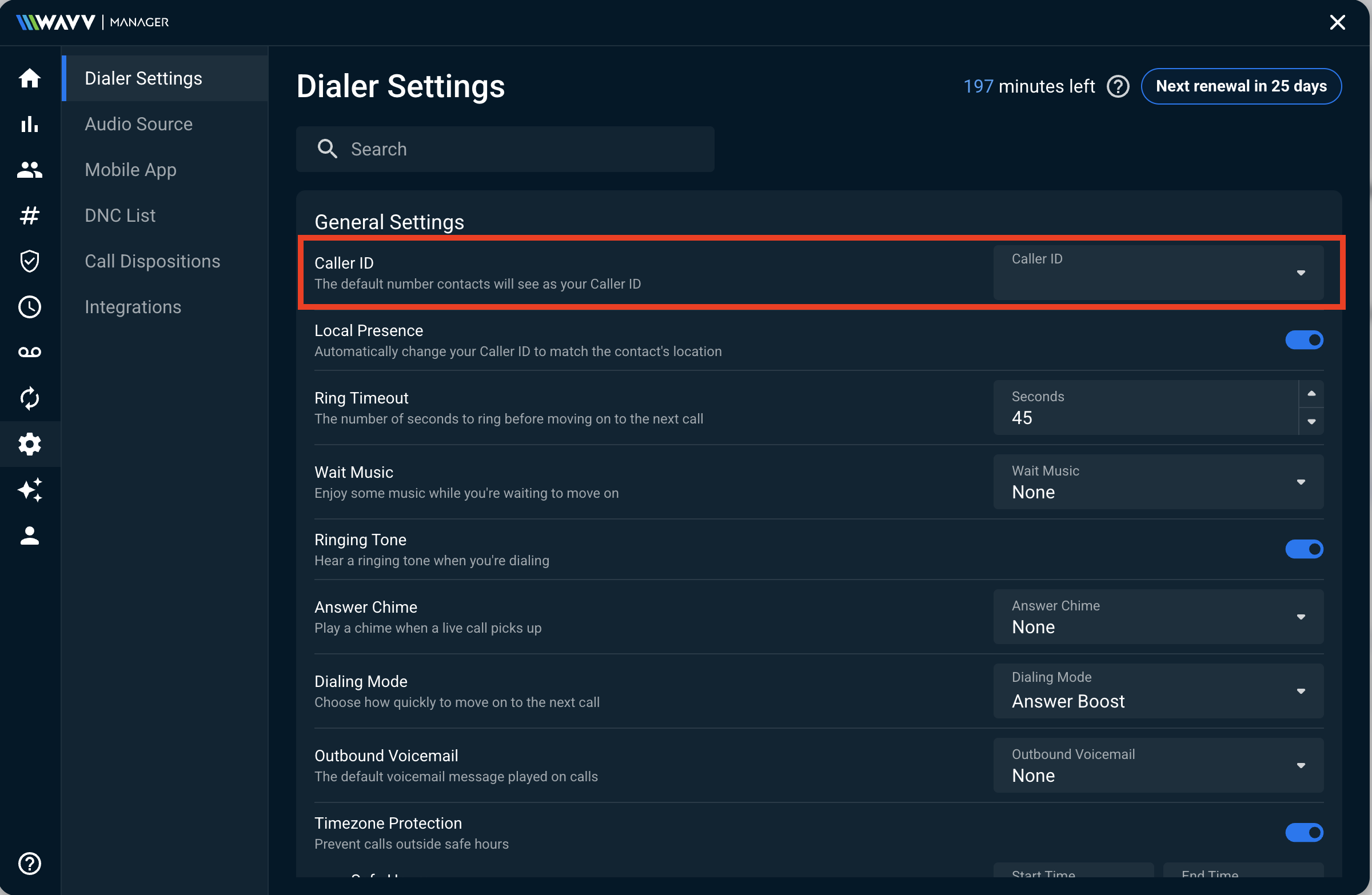
When this feature is turned on, WAVV will dynamically change your caller ID to match the area code of the contact you are calling if you have a phone number that has been applied to Local Presence (by default, all WAVV numbers, and shared team numbers are active. See Phone Number Configuration) that is an exact match. If you don't have a number with an area code that is an exact match to your lead, WAVV will use one of your numbers that is in the same state as the number of the contact. If WAVV can't find any match, meaning you don't have a phone number that matches the area code or the state of the contact you're calling, it will use the default number found in Settings > Dialer Settings.
You can add more numbers to your account by purchasing more WAVV business
numbers, or by importing personal numbers in the Phone Numbers section.
We recommend starting with at least one phone number in each state that you call. If you call leads from just one state, getting a few different area codes can help give your leads a local presence feel.
FAQs
I have multiple numbers with the same area code, but when I call the same lead, WAVV uses a different number each time as the caller ID. Is there a way to make this consistent?
At this time, local presence is still limited, but we're always making improvements! For now, if you own multiple numbers with the same area code, and use local presence, WAVV won't consistently use the same number to call the same lead.
Some of the leads I'm calling have an area code that's different from where their office is actually located. Does local presence look at a contact's set timezone in my CRM?
Unfortunately, local presence only looks at a phone number's area code, not at timezone fields in their contact card in your CRM.