
1. Claim a number
When you get you first open the SMS tool, you will be prompted to select a new number.
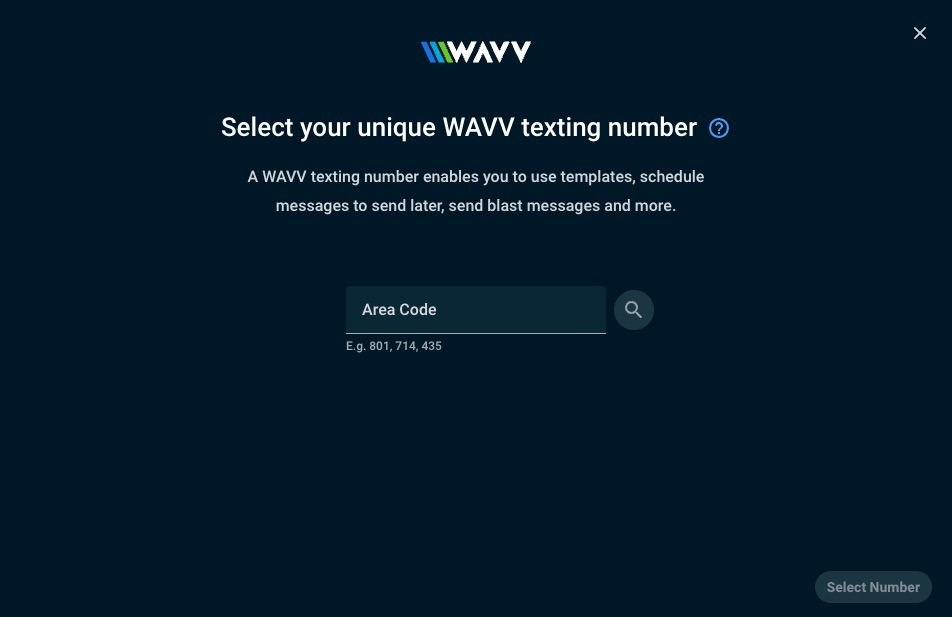
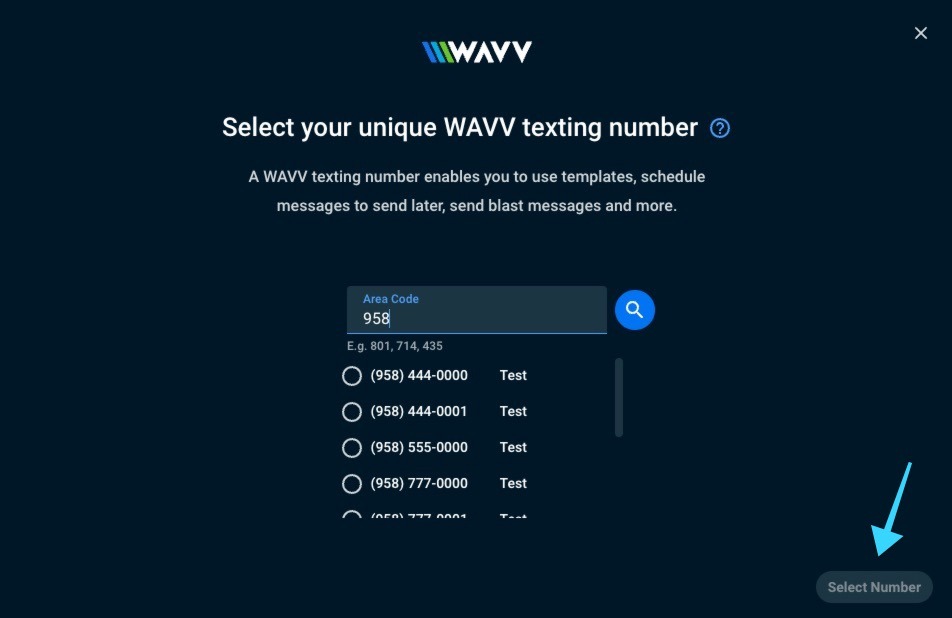
You will be able to search through a list of available numbers. Once you have found the number you would like to use, you press "select Number".
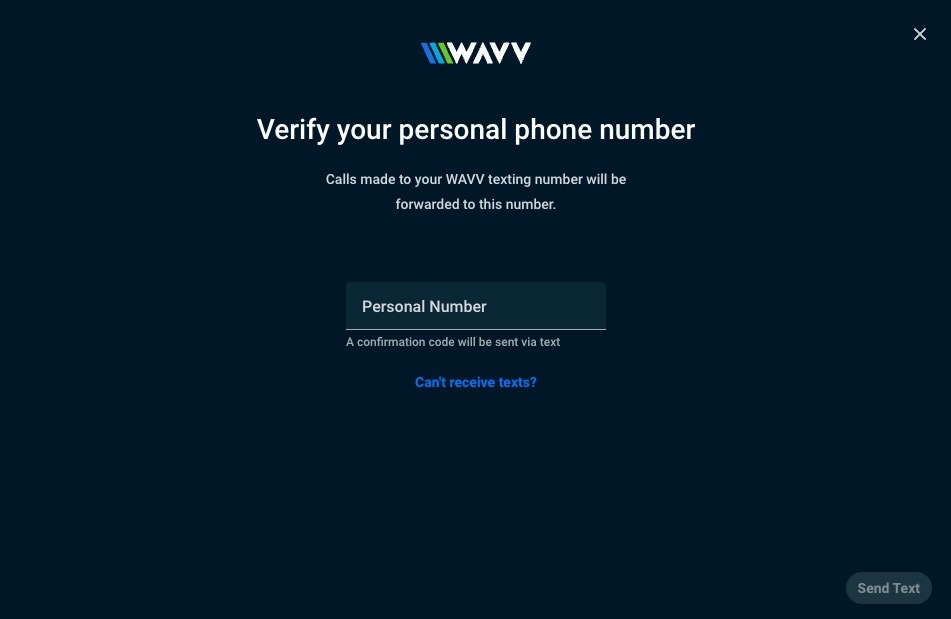
If successful and this is the first time you are using WAVV it will ask for you to connect a personal phone number. Otherwise will take you to the WAVV texting modal for you to begin texting!
2. Get mobile app
Navigate to the WAVV texting Modal and select the three dots in the upper right corner and select "settings"
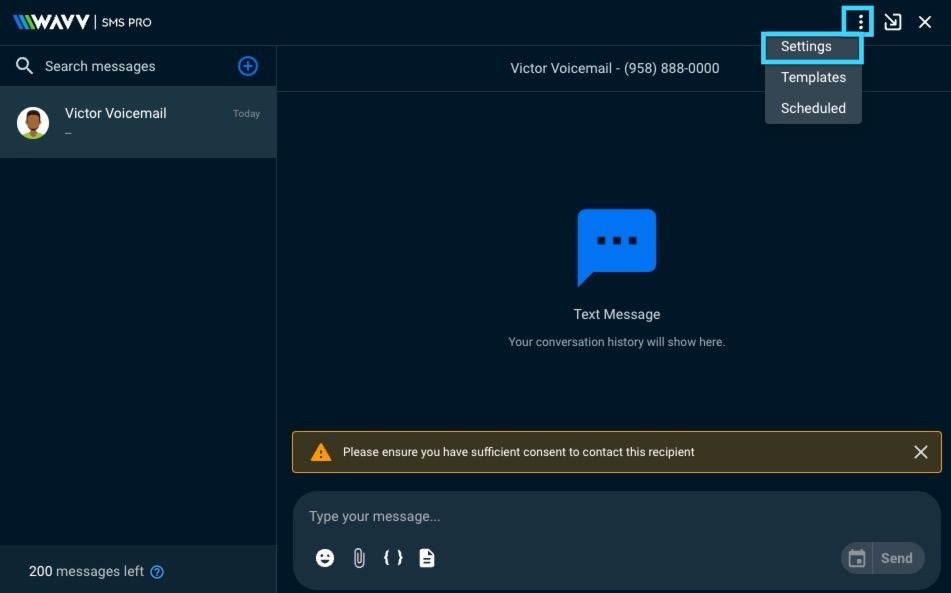
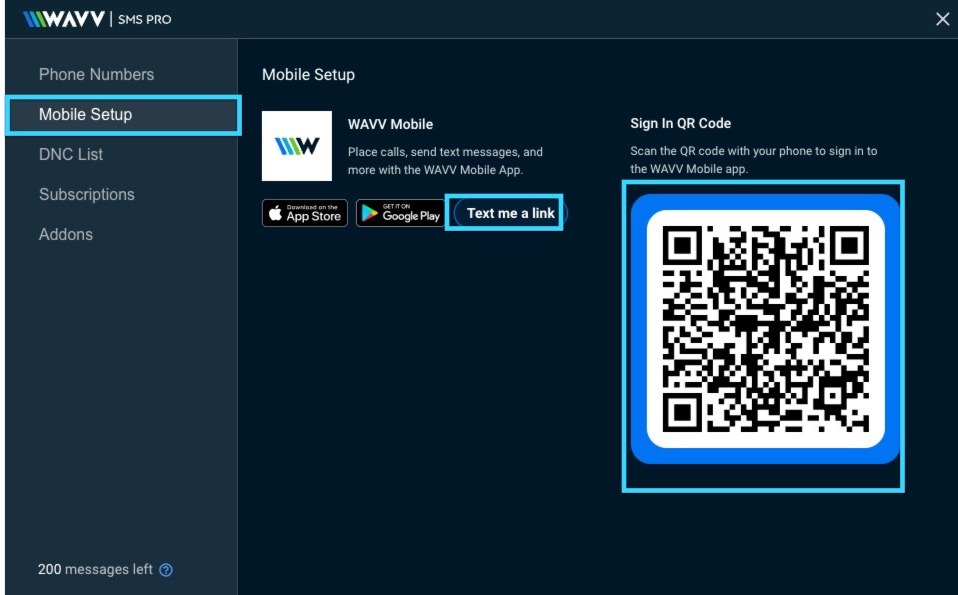
Once here select the "Mobile setup" tab on the left side. From here you can have a text sent to you to help find the app within the Google or Apple App Stores.
3. Mobile Login
Once you have the app downloaded you can sign into the app and sync your WAVV account with your WAVV Mobile App. Once you scan the QR code, you will be logged in and can start using the app. You will not be asked to complete this step again.