
The WAVV Chrome extension is an essential tool for users of WAVV, designed to enhance functionality and streamline integration with GoHighLevel (GHL). Acting as the dialer’s control center within your browser, the extension ensures seamless calling capabilities whether you are using WAVV independently or alongside GHL.
1) Get the Install Link
The WAVV Chrome Extension is installed via a direct link. Copy or click the link below to open the Chrome Web Store listing.
The extension is not publicly listed — use this link only: https://link.wavv.com/chrome
2) Open Google Chrome
WAVV requires Google Chrome or Microsoft Edge. Open your browser and paste the install link into a new tab. Other browsers (Firefox and Safari) are not supported with the extension.
3) Install the Extension
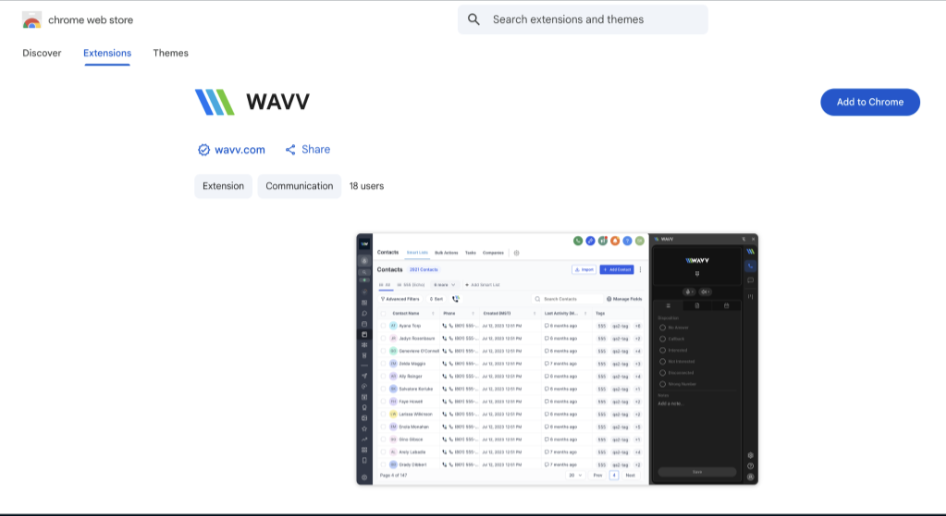
Click the blue "Add to Chrome" button on the Chrome Web Store page. Confirm the
installation when prompted.
4) Pin the Extension
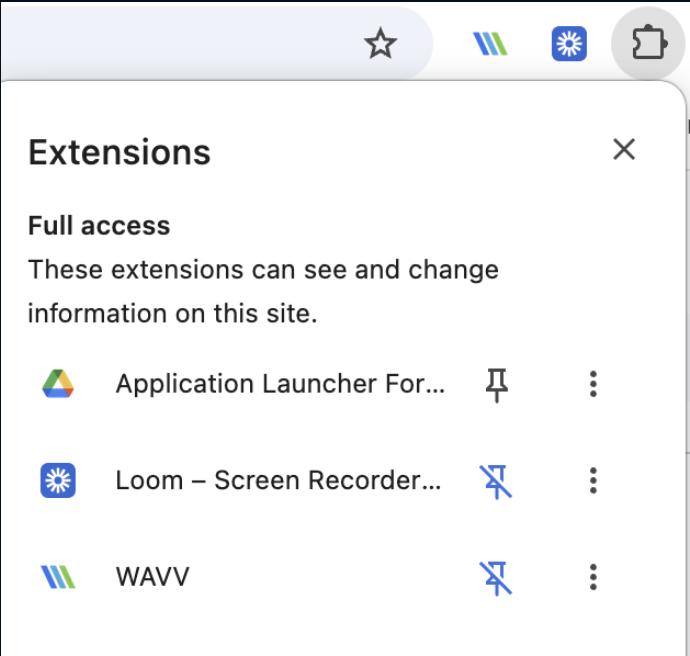
Click the puzzle piece icon (Extensions) in your Chrome toolbar. Find WAVV in the list and click the pin icon so it stays visible.
5) Grant Microphone Access
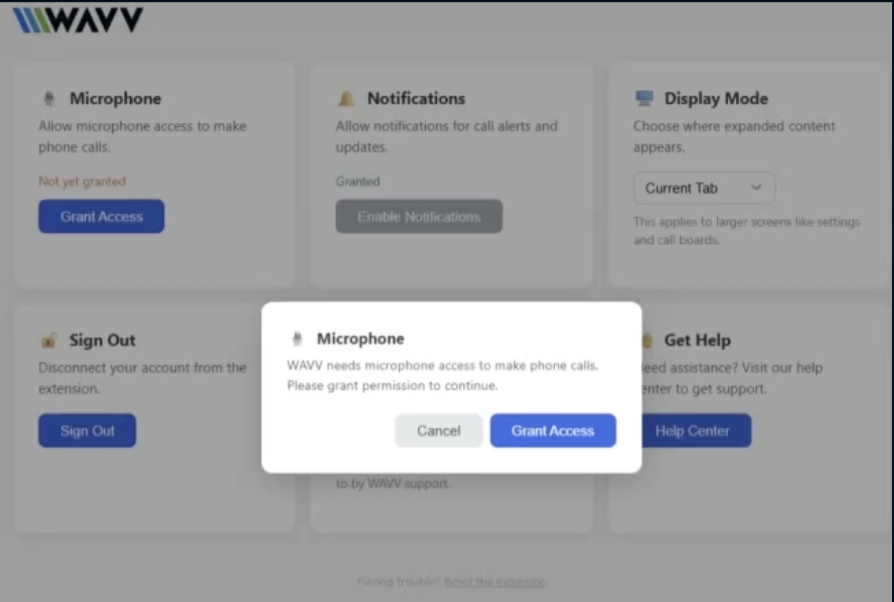
When prompted, click "Grant Access" to allow WAVV to use your microphone for calls. Also enable notifications for call alerts.
6) Sign into WAVV
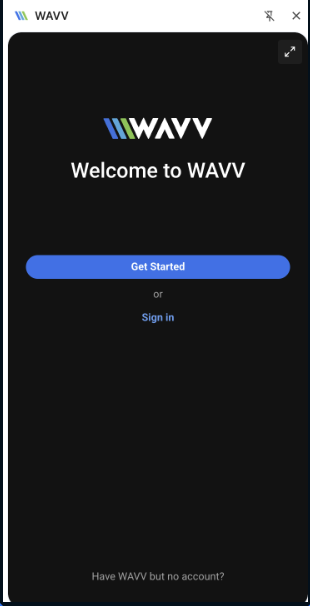
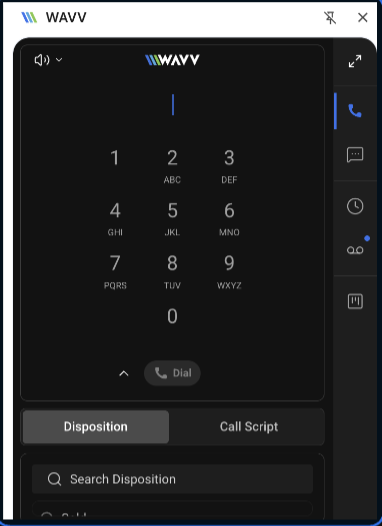
Click the WAVV icon to open the side panel. Tap "Sign In" and enter the same email you use for your WAVV account. You'll receive a 6-digit code by email — enter it to complete login.
7) Open Your CRM in the Same Browser
WAVV must run in the same Chrome window as your CRM. Navigate to your CRM in
another tab — the WAVV side panel will remain active.
8) Test a Call
Use the dial pad in the WAVV side panel to dial a test number. Confirm your audio works and local presence rotation is active.
9) (Optional) Configure Display Mode
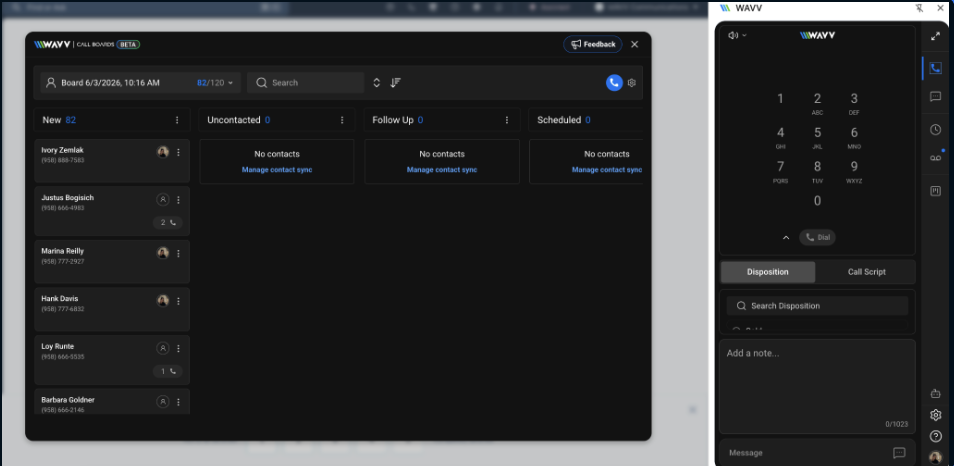
Click the puzzle piece right-click WAVV Options. Under Display Mode, choose where Call Boards and WAVV Manager open: dedicated tab, pop-up, or current tab.
You're live!
Your WAVV Chrome Extension is installed and ready to go.
Open your CRM, start a Call Board, and make your first call.