When you open your Call Board and click the cog machine in the right hand corner, this takes you to your Call Board settings.
This article walks you through 2 of the 5 tabs on the left hand side, Board and Dialer.
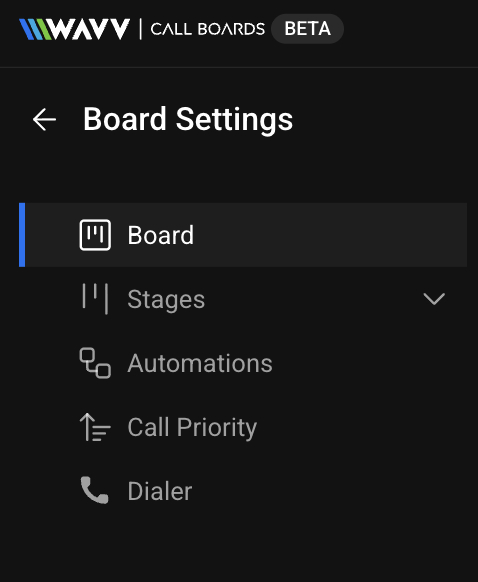
What is in the Board tab?
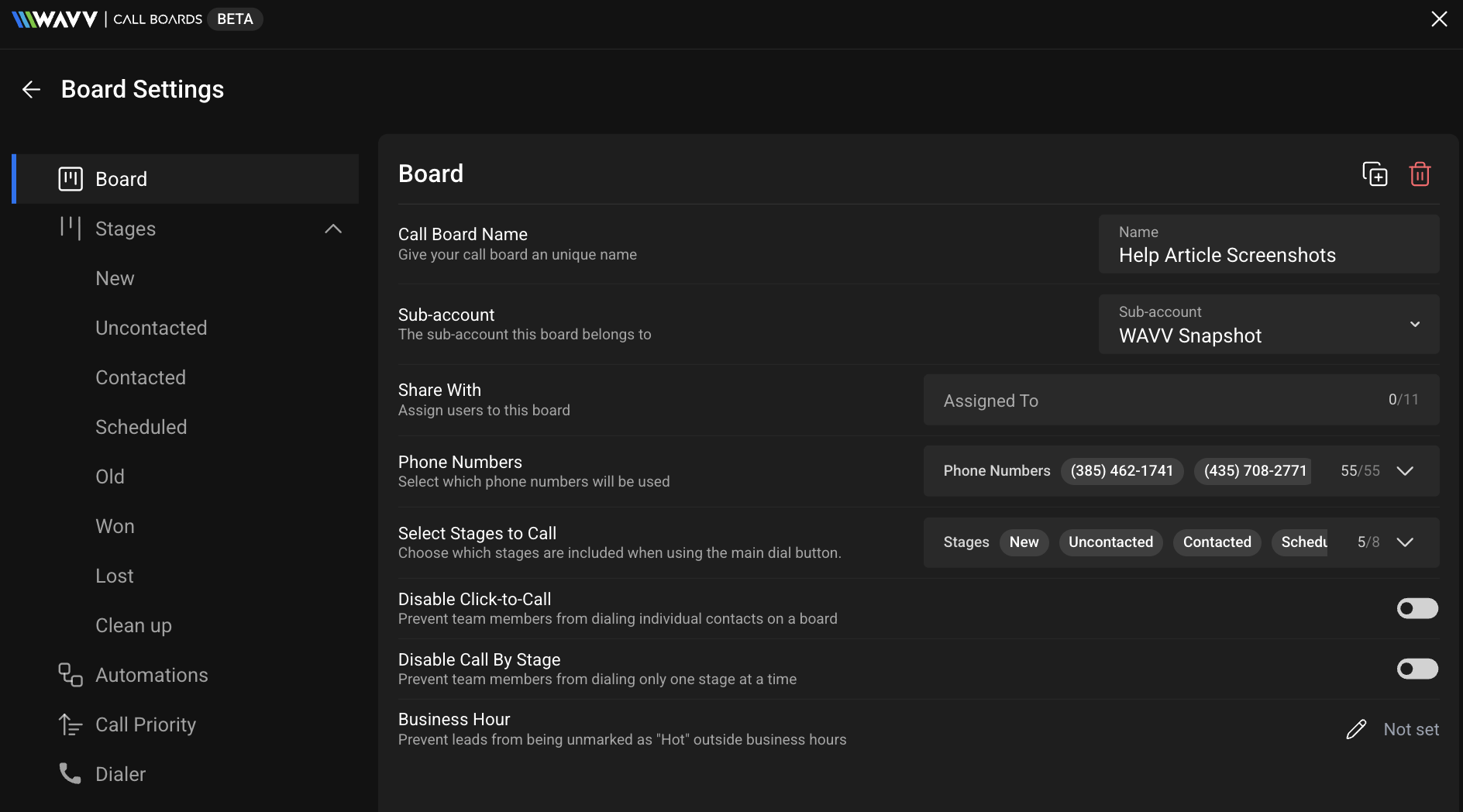
Your Board settings include:
Editing your Call Board name
Choosing the sub-account your board belongs to
Share the board with members of your team
Choose which team phone numbers are used on your board
Select stages to call using the master dial button
Disable click-to-call (prevent team members from individually dialing contacts on a board)
Disable call by stage
Business Hour: prevent leads from being unmarked as "Hot" outside business hours.
What are the Dialer Settings on your Board?
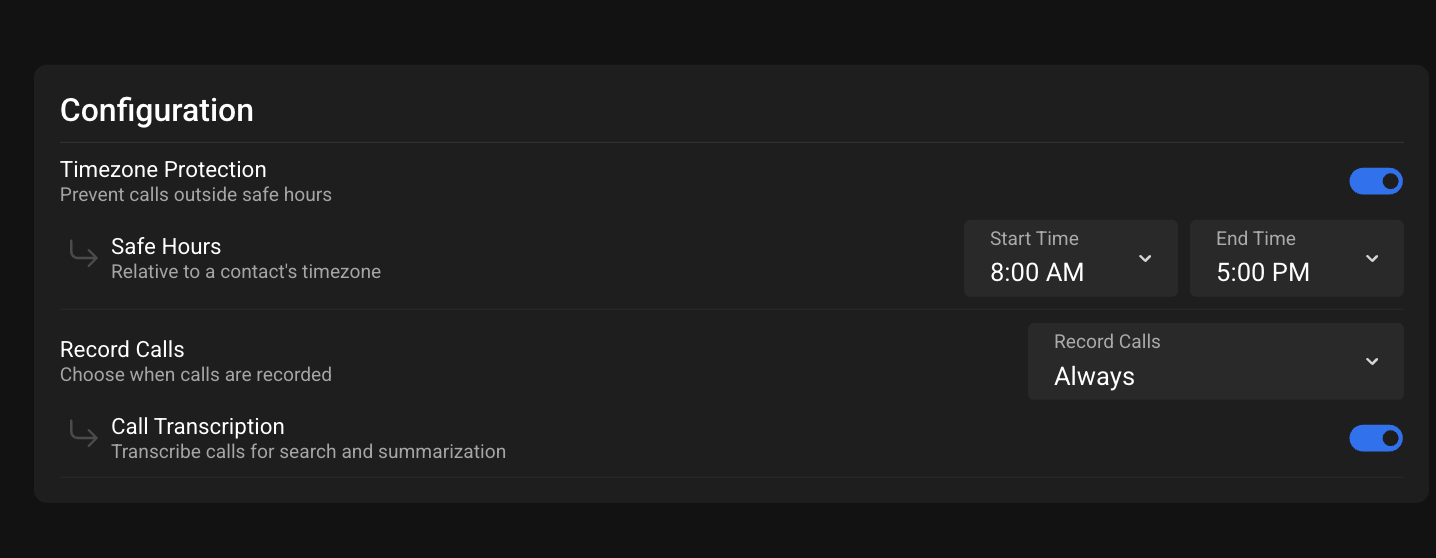
This section controls your board-level dialer settings.
These settings apply to anyone dialing on the board, regardless of stage.
What You Can Configure
Timezone protections
Call recordings