
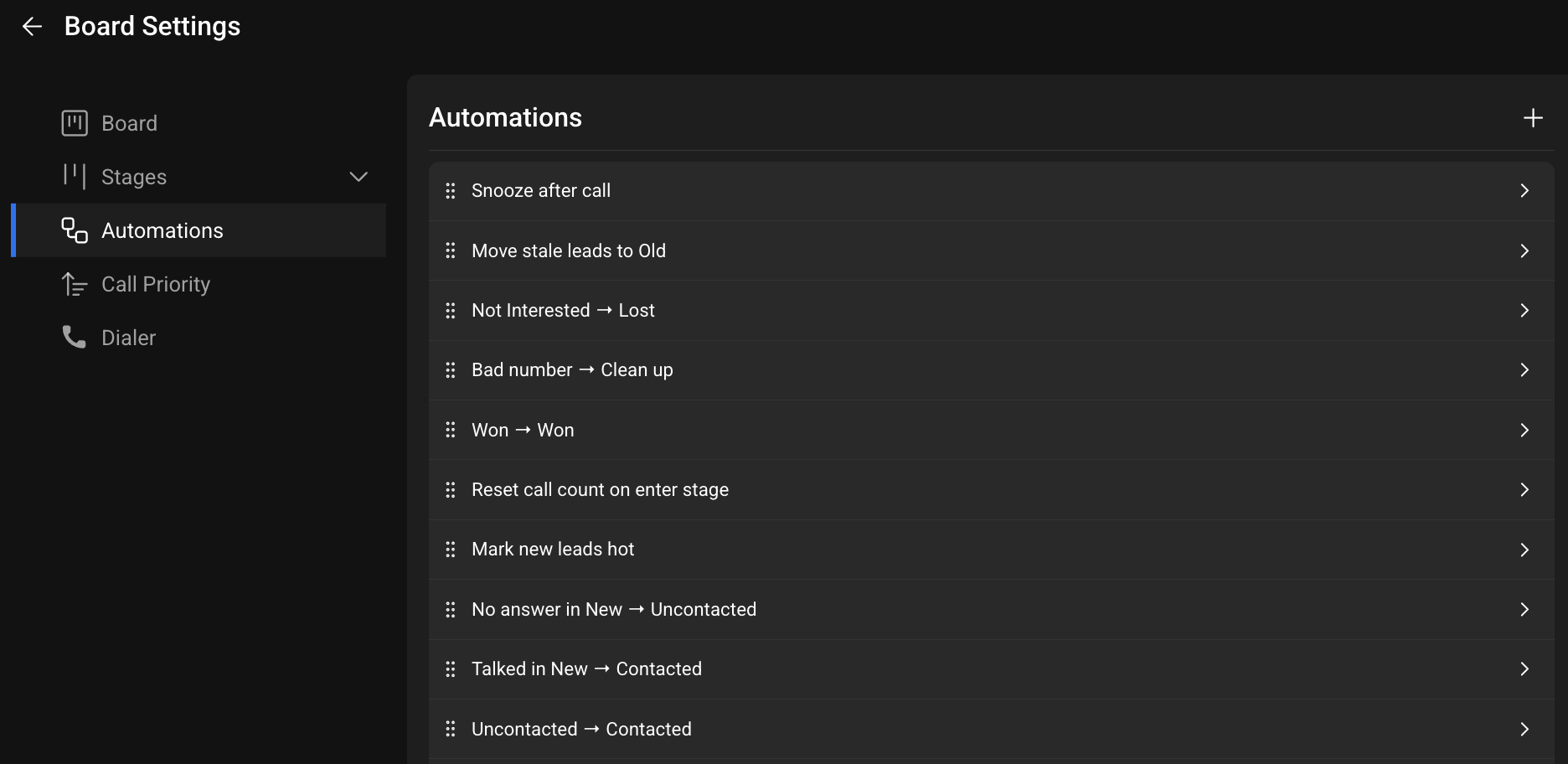
What are Automations?
Automations allow you to move leads, update data, and trigger actions automatically as your team calls.
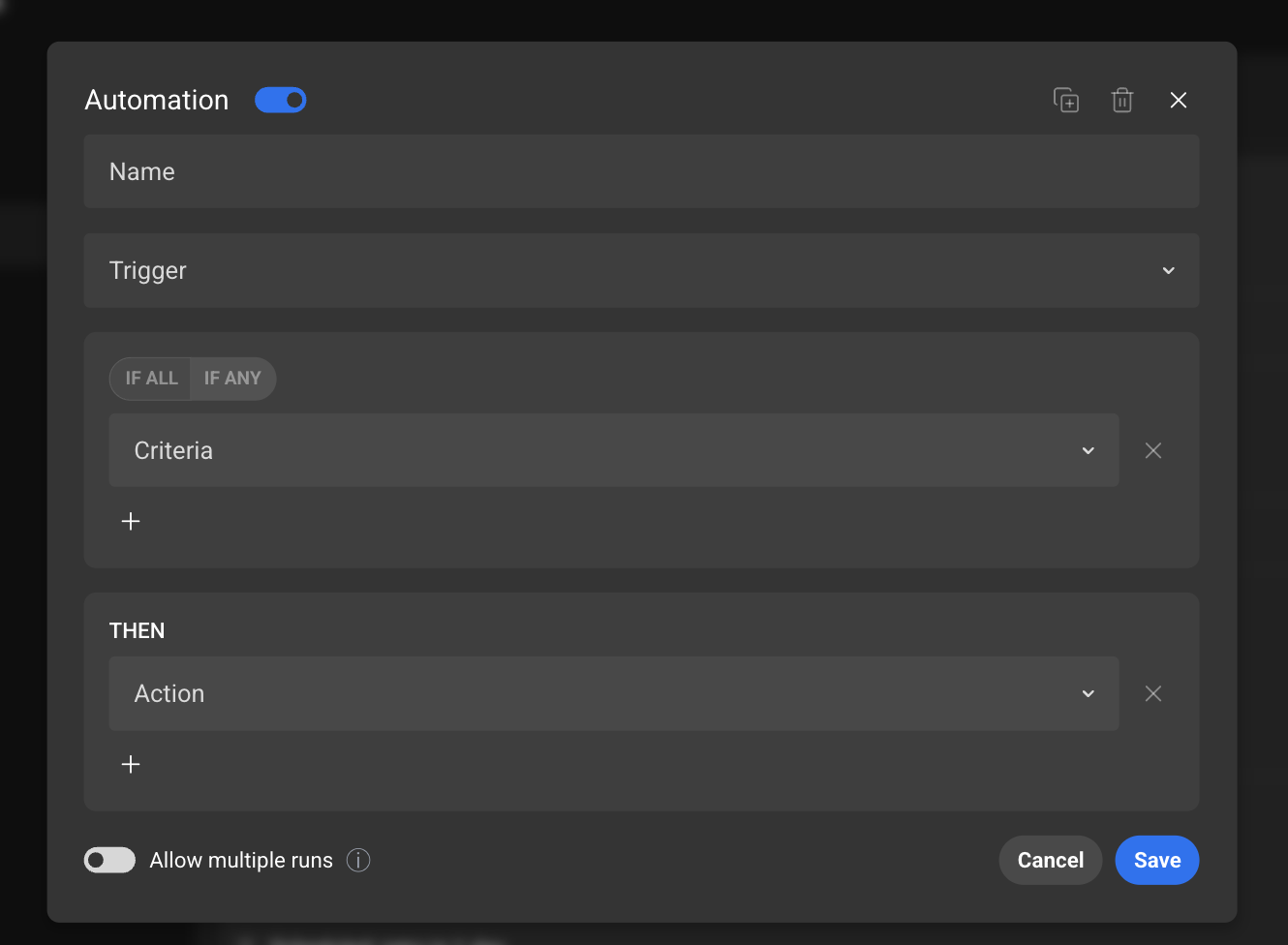
Each automation follows a simple structure:
Trigger → Criteria → Action
Automation Triggers
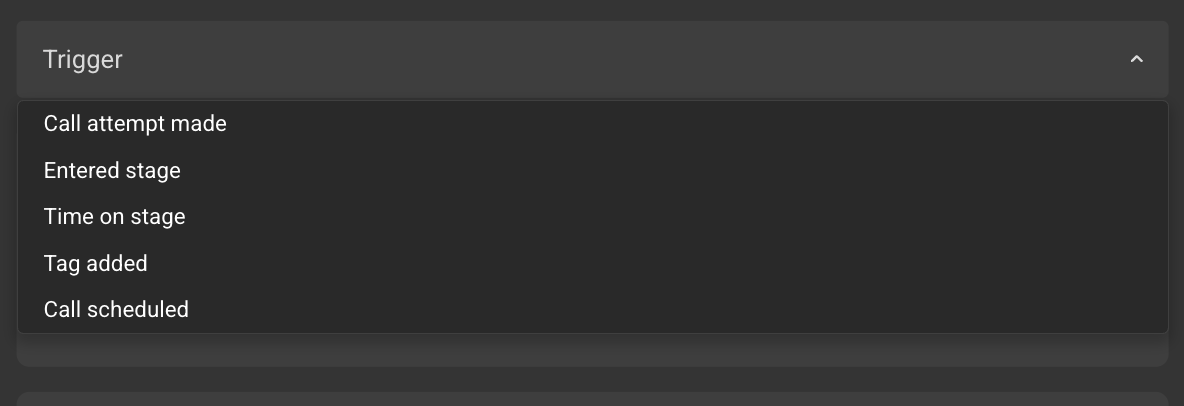
Automations start when something happens.
Common triggers:
Contact attempt completed
Contact enters a stage
Automation Criteria
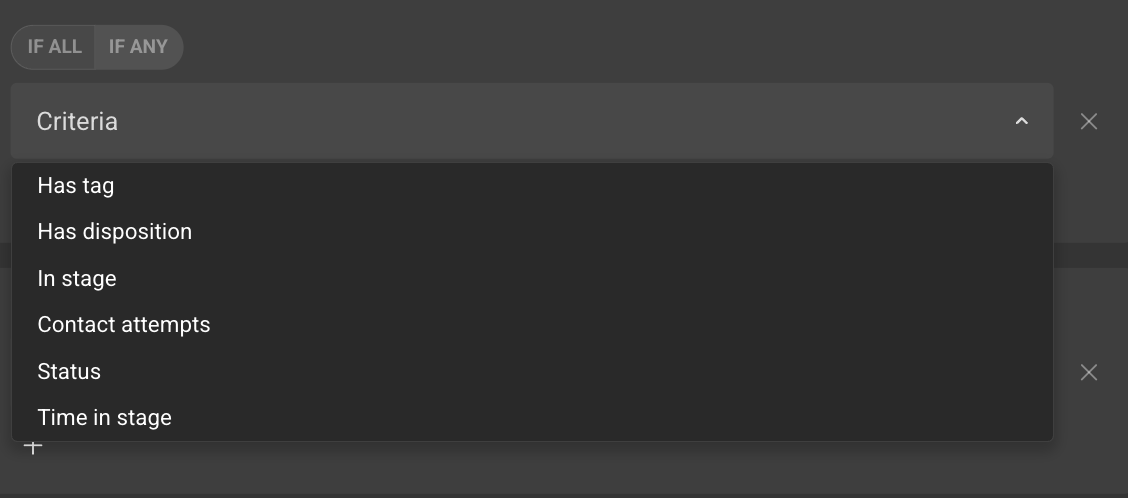
Criteria define when the automation should run.
Examples:
Contact has a specific tag
Contact has a certain disposition
Contact is in a specific stage
Contact has been attempted X times
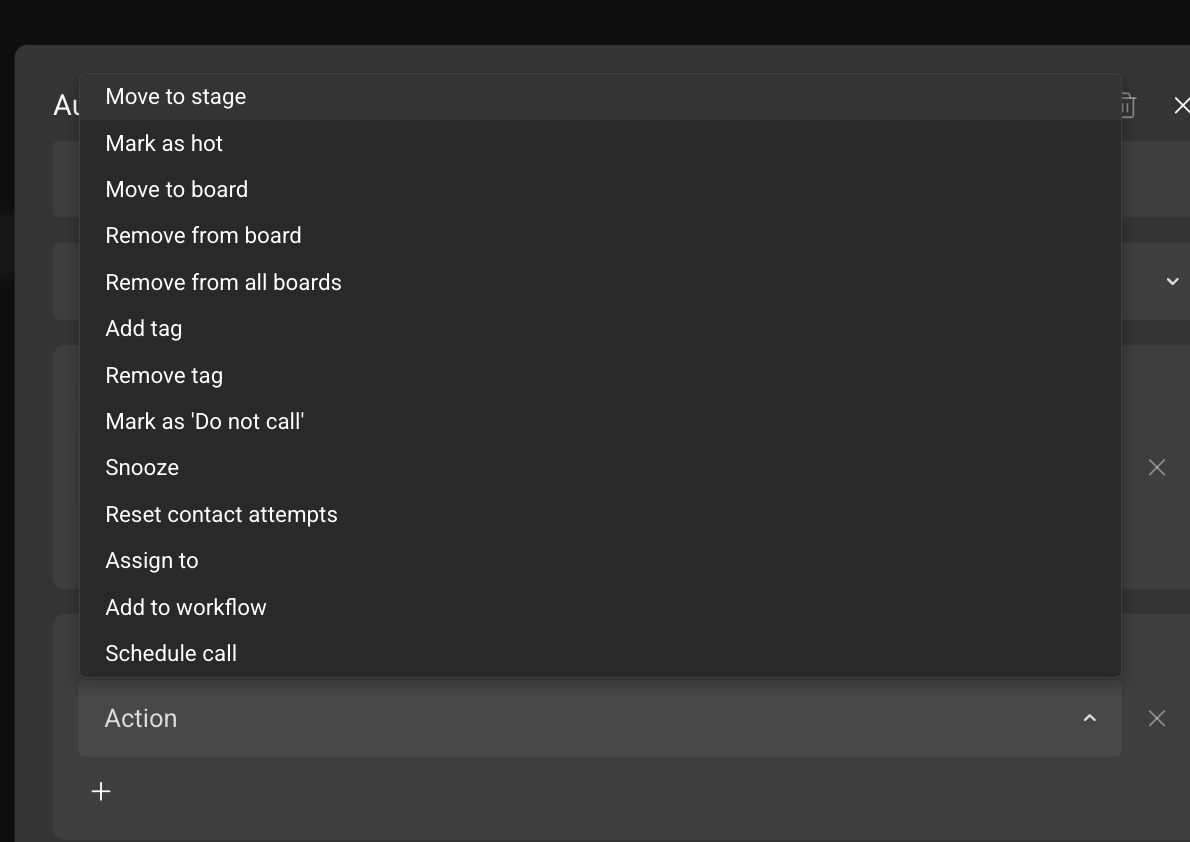
Automation Actions
Actions define what happens next.
Examples:
Move to another stage
Move to another board
Add or remove a tag
Assign to a user
Mark as Hot
Snooze a contact
Reset call attempts
Example Automation
Trigger: Call attempt completed
Criteria: Disposition = No Answer
Action: Move to Follow Up Stage
Why Automations Matter
Automations:
Reduce manual work
Ensure leads move correctly
Keep your board up to date
Standardize your calling process