
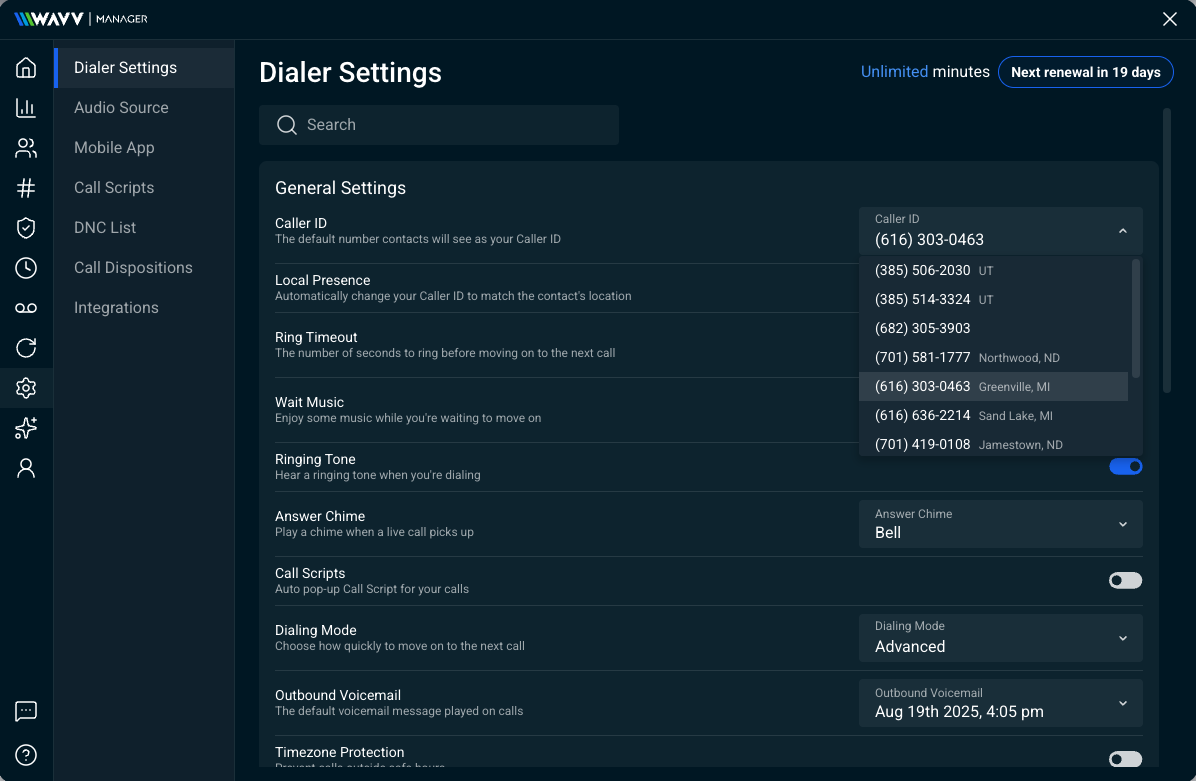
The first setting in your WAVV Dialer Settings is Caller ID. This will be the number that shows when you make calls.
You can select any number from your Numbers Tab to be your Caller ID by clicking the drop down:
How does this work with Local Presence?
If you are using local presence, the only time this Caller ID will show is if you don't have a number with an area code or state that matches your lead. When this happens, WAVV with use this default Caller ID.
Can I make my Caller ID a name instead?
We do not offer CNAM (or Caller ID Name). This would allow you to change the name that's displayed when you make calls. It is up to the phone carriers on what they will display.