
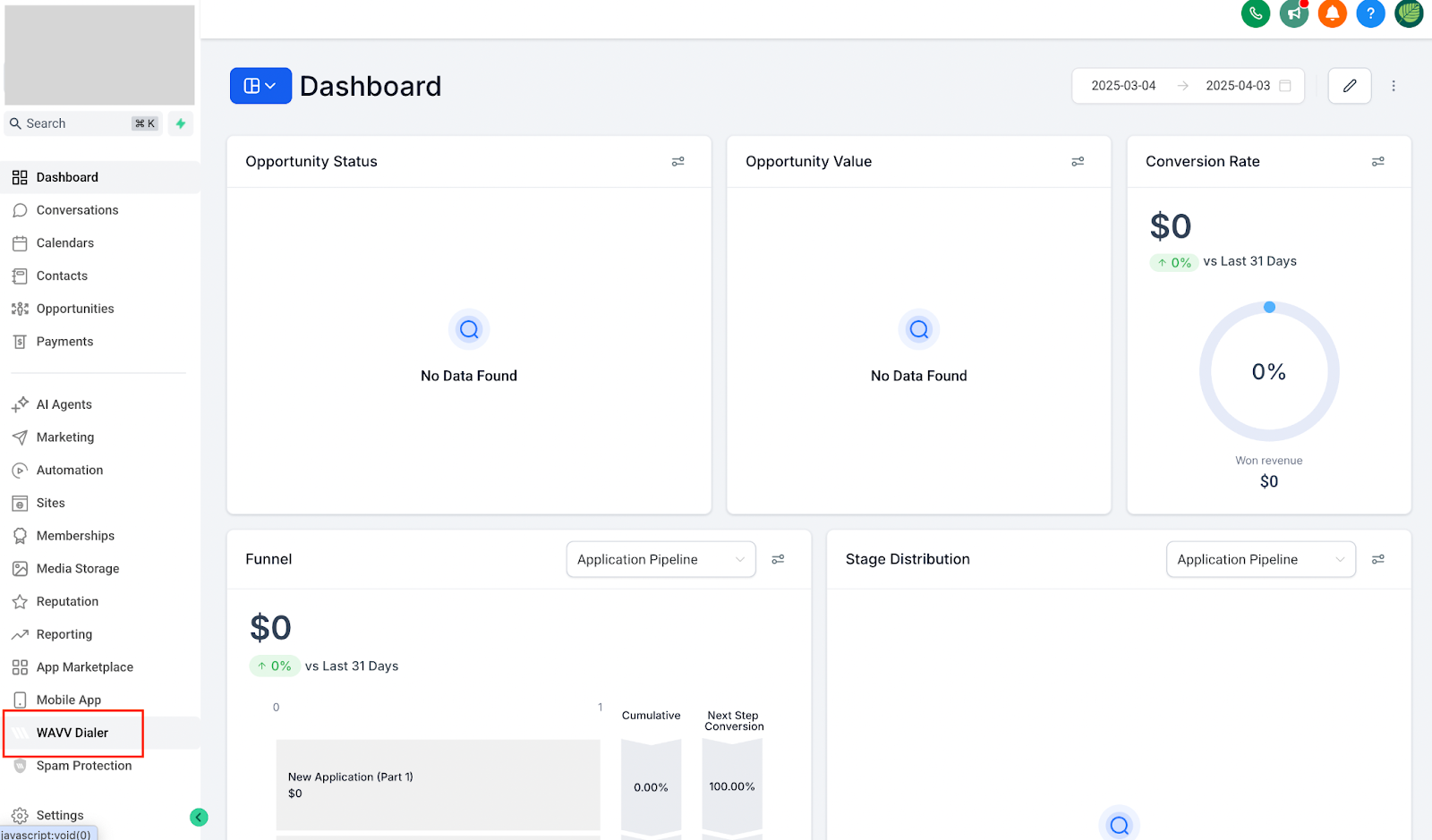
First, click the “WAVV Dialer” button in the left-hand menu of your CRM to open WAVV.
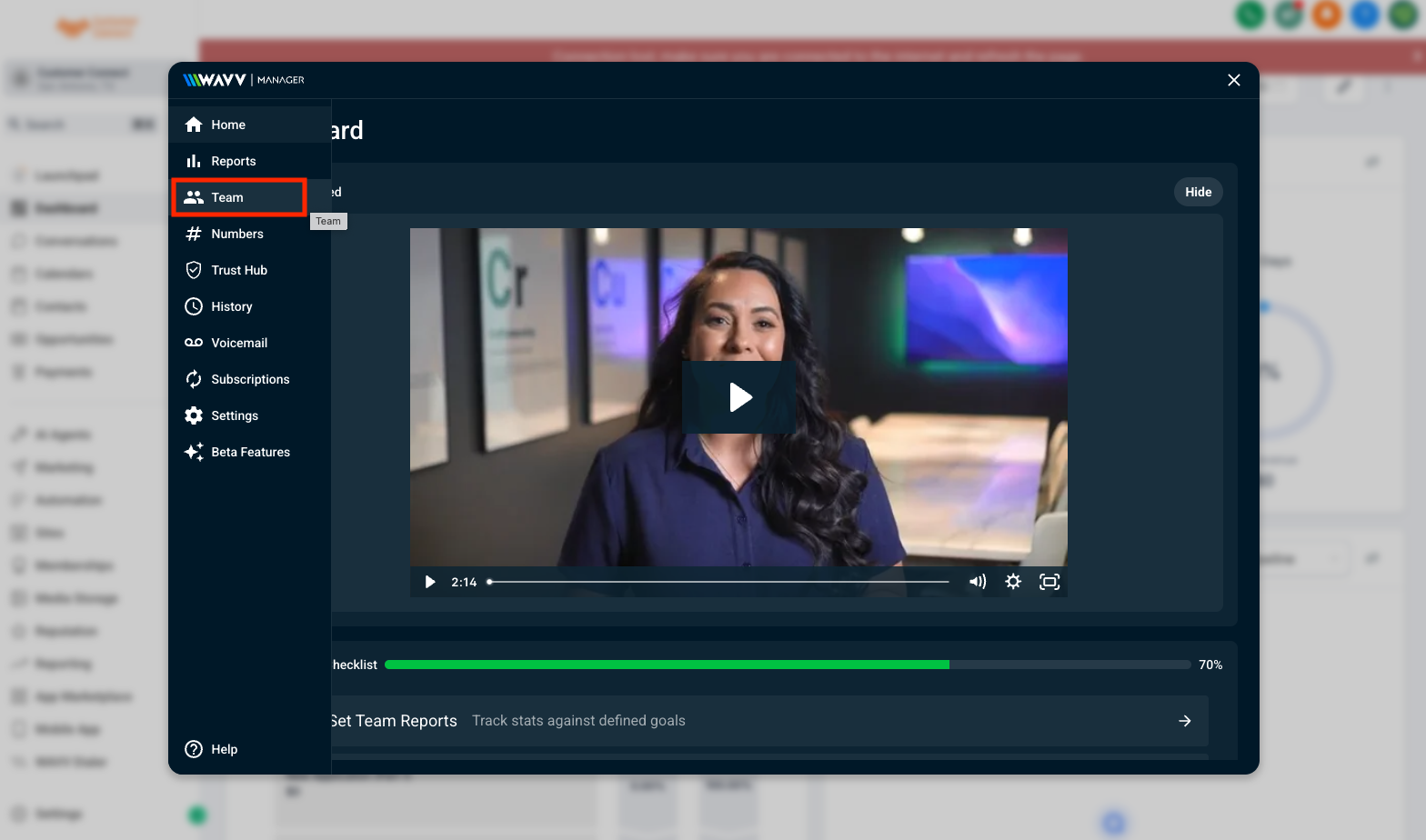
Navigate to the “Team” tab in your WAVV menu.
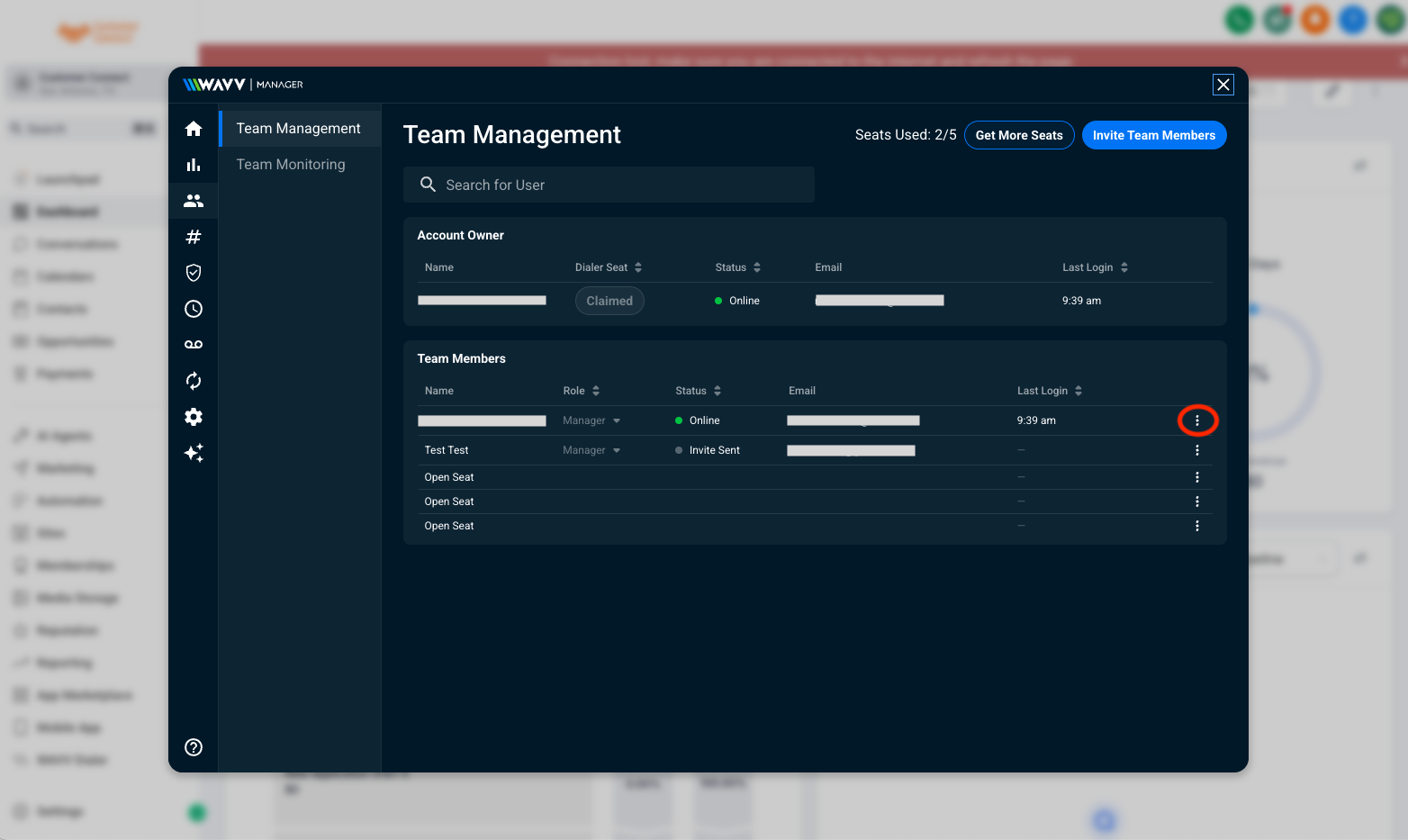
Once you’re in your “Team Management” tab, you’ll see 3 dots next to your team members’ information. Click these 3 dots.
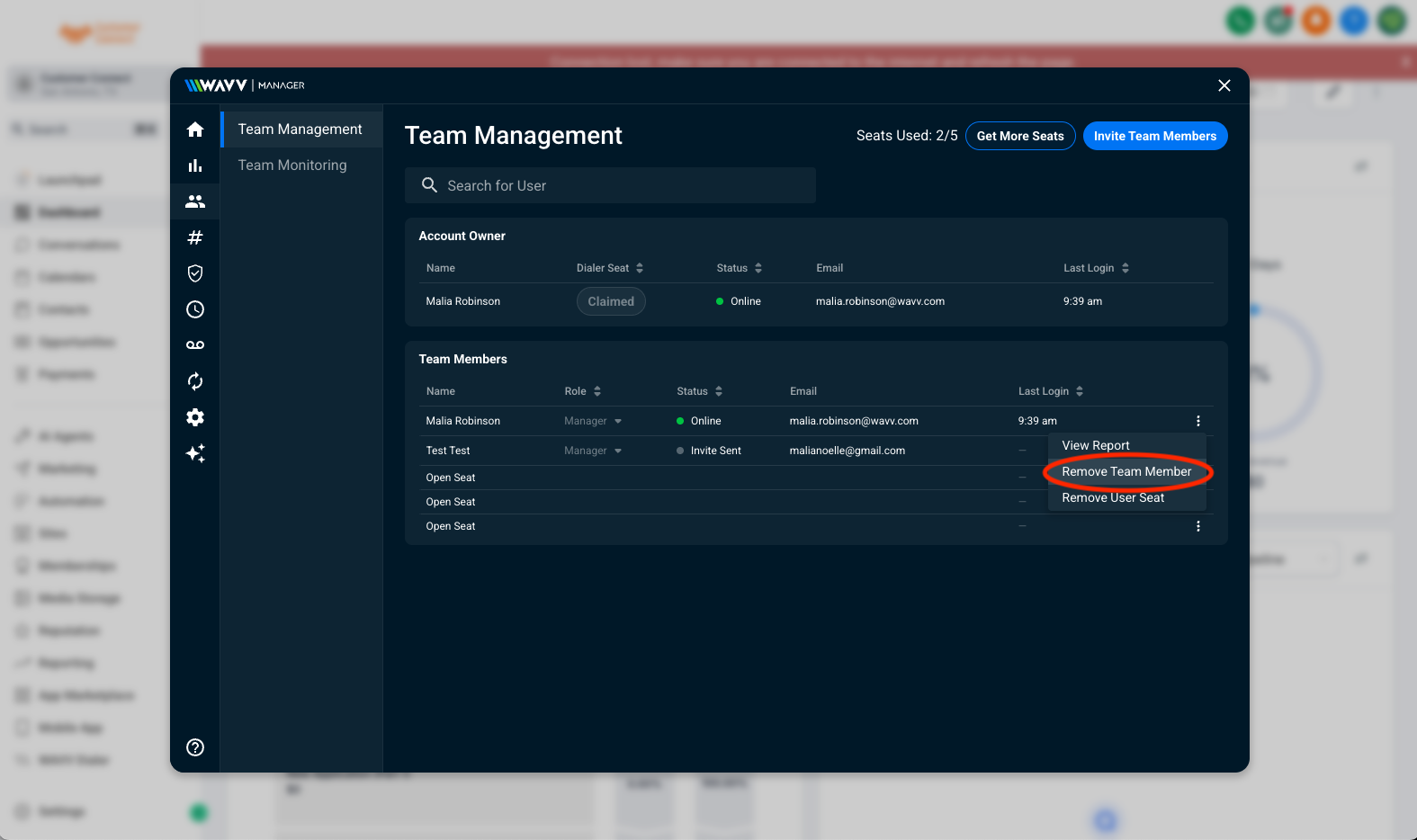
Select “Remove Team Member.”
Just removing the team member will allow you to give the seat to someone else. If you click “Remove User Seat” then you will have one less seat on your subscription and you will not be able to give a dialer seat to someone else. To better understand this, click here.
Click “Remove”
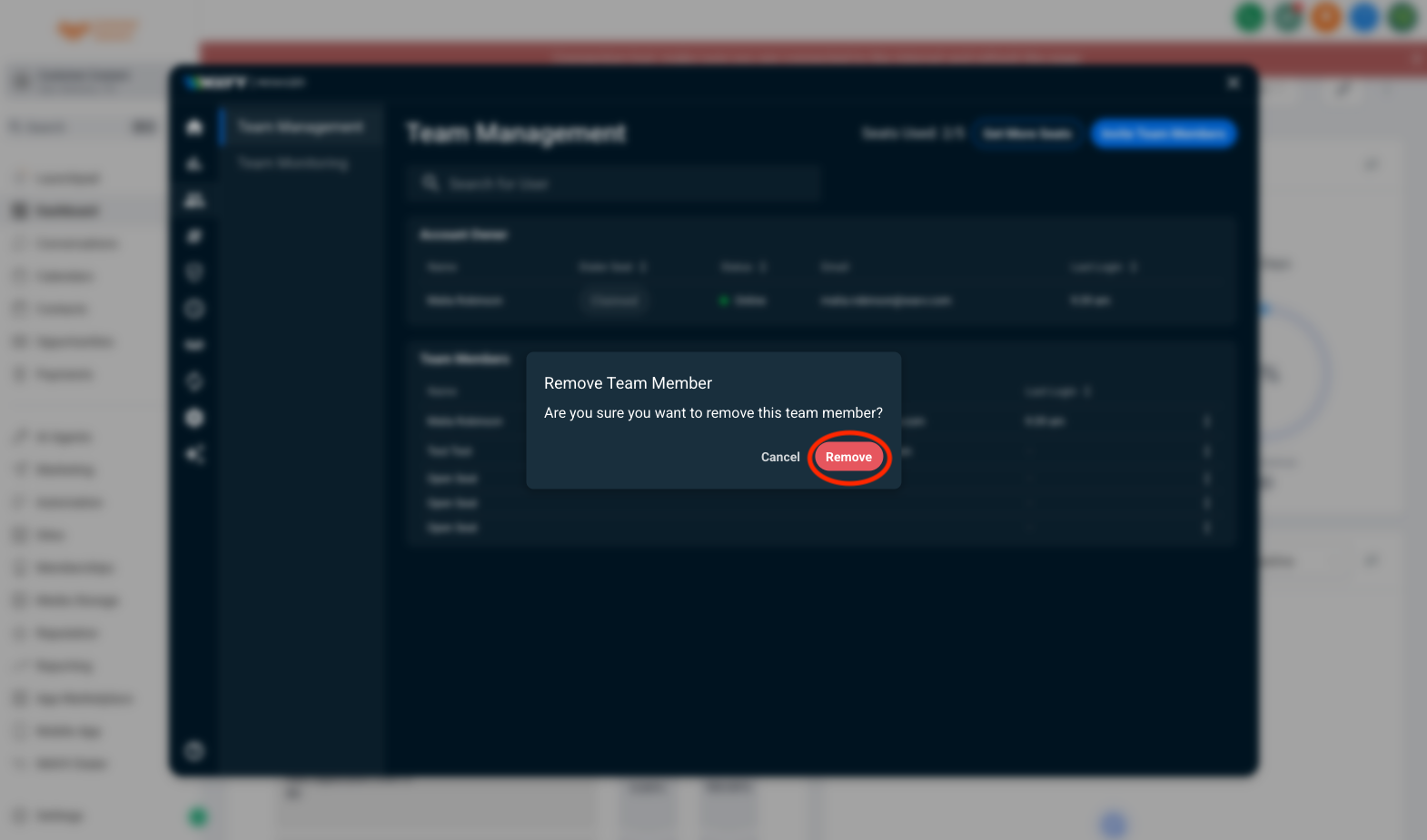
Awesome! You have now removed a team member.
Learn More…
How to Add Members to Your Team
Understand the difference between removing a team member and removing a seat
How to Add More Seats to My Account