
First, click the “WAVV Dialer” button in the left hand menu of your CRM to open WAVV.
IMPORTANT: Make sure that you are logged in to the CORRECT account in your CRM. If you are logged in as someone else, then your account will be attached to their CRM login. Please double check that you are logged in as yourself (or the person you want to give a dialer seat to) before continuing.
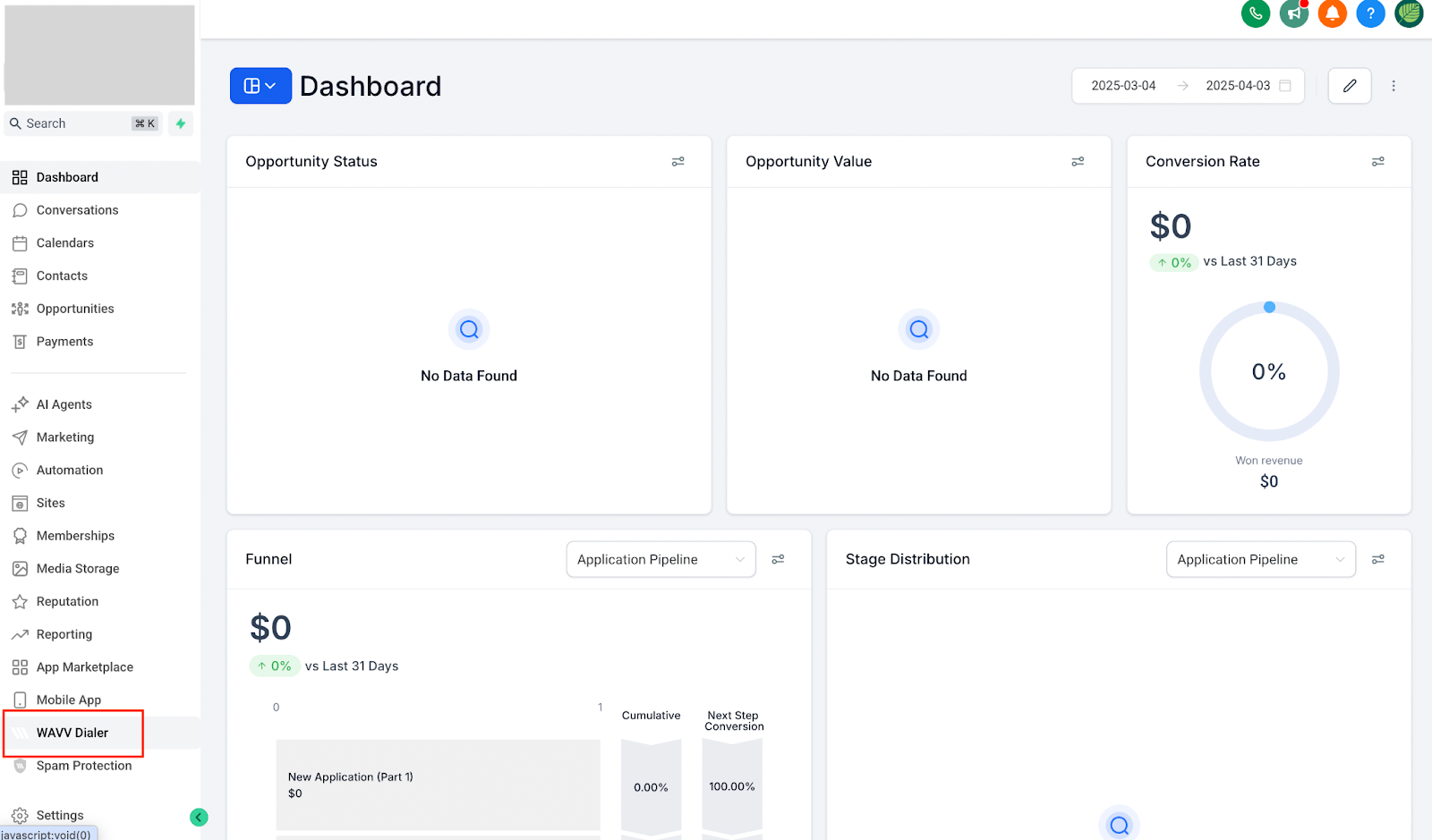
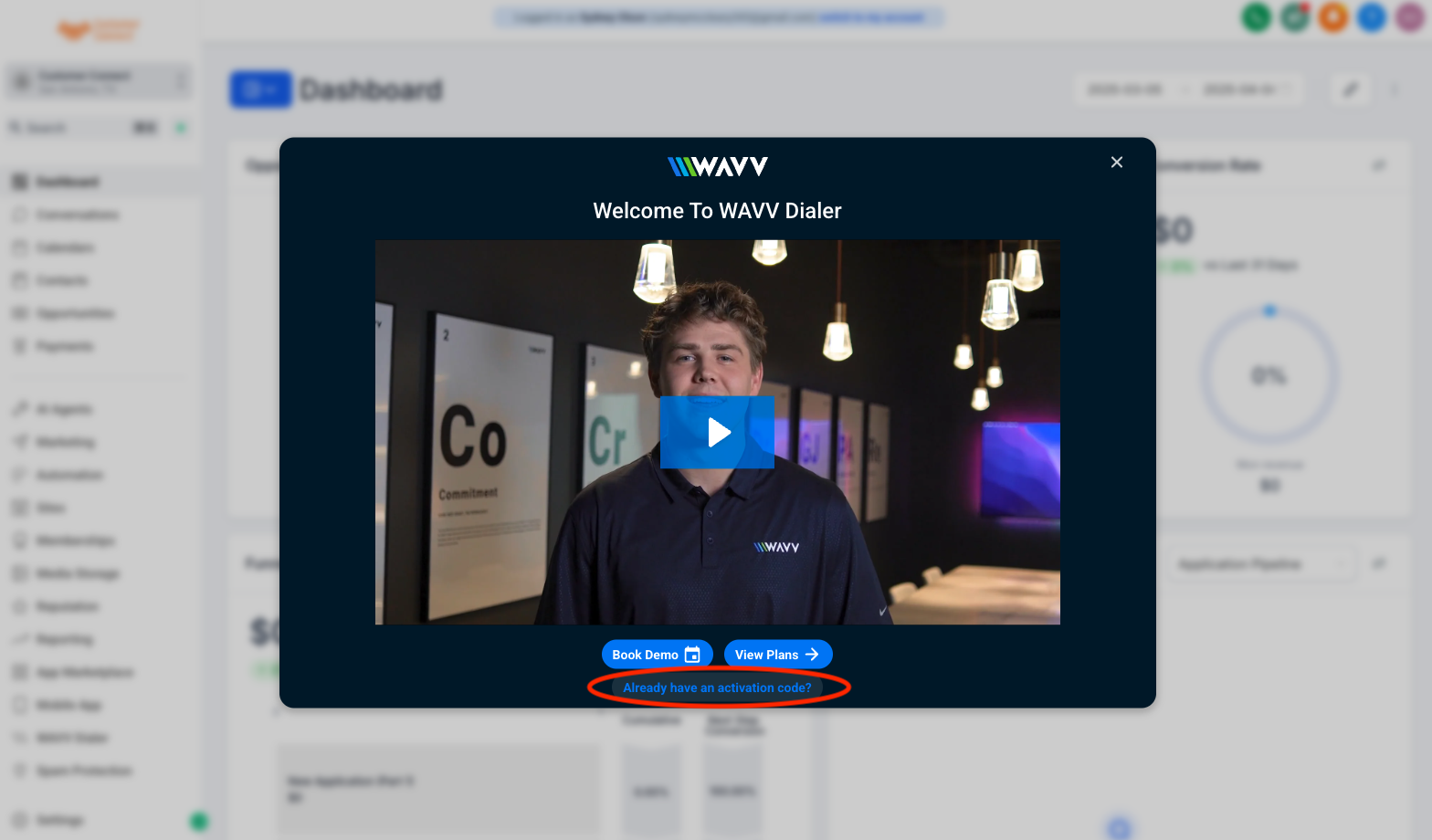
If you have never used WAVV before, you will see the screen below.
Click the “already have an activation code” button.
Now, you’ll need to look in your email (or the email where the activation code was sent) to get the activation code. The email will be from WAVV.
If you don’t see it, remember to check your spam just in case!
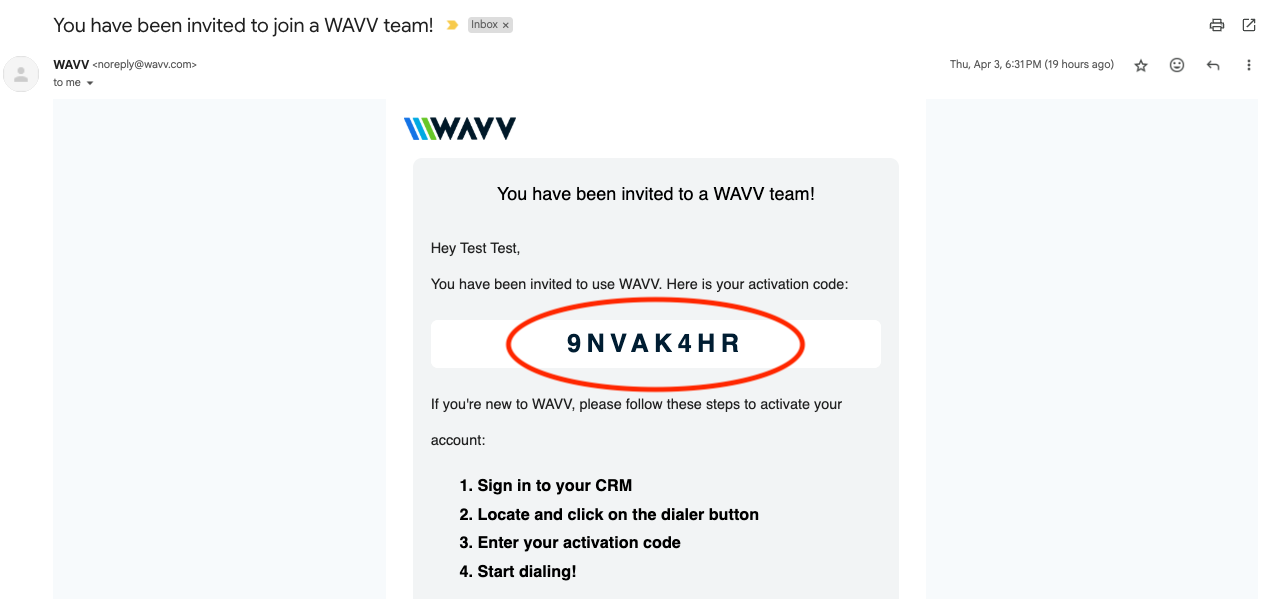
Copy the code and navigate back to WAVV in your CRM. Paste in the box.
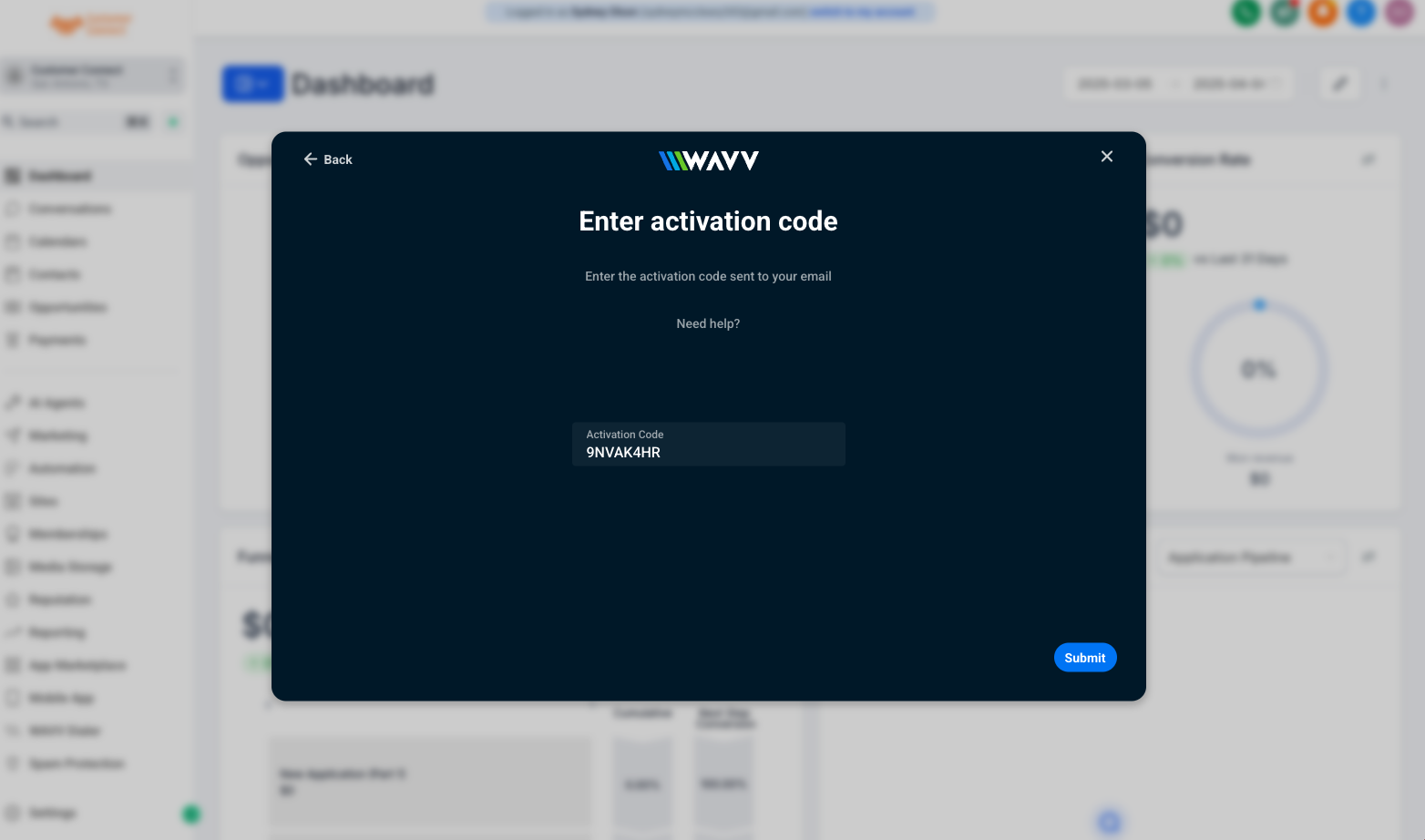
Agree to the terms of service, add a phone number, and you’re good to go!